World not loading on PlayStation?
Give the world time to load after joining. If chunks remain missing, reconnect once and try a render distance of about 12 chunks with Fancy Graphics off. If the world still does not appear, contact support →
Pick your edition below. Java and Bedrock players join the same survival world; no paid rank is needed.
Launch Minecraft Java Edition 26.3. Open Multiplayer → Add Server and enter this address:
play.nexoria-mc.comSave Nexoria, select it and choose Join Server. At Spawn, use /journey to begin.
Proximity voice is live for Java. Install the Simple Voice Chat mod for your Minecraft version, then press V in game to choose your microphone and speakers. You hear other mod users when they are nearby. Voice chat setup →
Consoles have no Add Server field. Use the independent BedrockTogether guide ↗ and its phone app:
play.nexoria-mc.com and port 19132, then start the connection./journey.No DNS change is needed. BedrockTogether is independent of Nexoria and Minecraft. Normal console multiplayer access is still required.
Open Minecraft Bedrock and choose Play → Servers → Add Server. Use the Bedrock address and port below:
play.nexoria-mc.comPort 19132Set the server name to Nexoria, then choose Add and Play. At Spawn, use /journey to begin.
Give the world time to load after joining. If chunks remain missing, reconnect once and try a render distance of about 12 chunks with Fancy Graphics off. If the world still does not appear, contact support →
Accept the server resource-pack prompt when it appears. Some custom visuals may differ on Bedrock. If joining or textures fail, contact support →
Website rank and Token checkout currently asks for a Minecraft Java username. Bedrock players should contact support before making a website purchase. Nintendo Switch joining has not been verified yet.
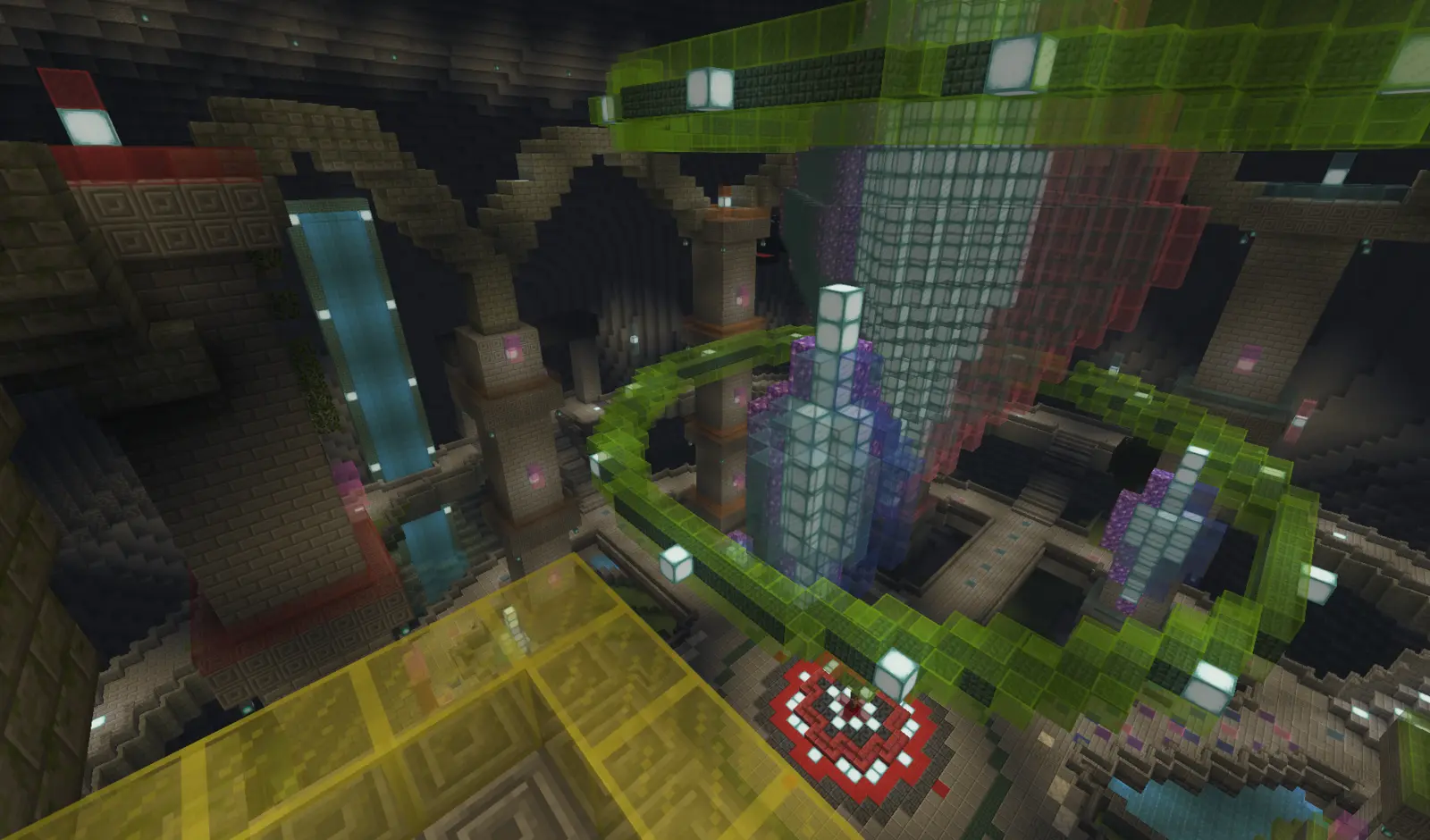
Meet the guides at Spawn. Follow your Journey, find a place to build and protect it with a claim.
Yes. Bedrock players on Windows or mobile can add Nexoria with play.nexoria-mc.com and port 19132. PlayStation and Xbox players can use BedrockTogether on a phone. See How to join for the full steps.
No separate client modpack is required. Accept any server resource-pack prompt when joining. Some custom cosmetics may look different on Bedrock.
Begin at Spawn and use /journey. The guides introduce the server’s systems. Use /rtp when you are ready to find a wilderness home.